Custom interface
A clear experience, designed around the room, its equipment and its users.
Room control
Control Room brings audiovisual equipment, lighting, blinds and scenarios together in an interface designed for every space.
The solution
A clear experience, designed around the room, its equipment and its users.
Sources, display, sound, lighting and blinds come together in a single interface.
Start a meeting or close a room with consistent, repeatable actions.
See the status of the equipment and make support interventions easier.
In pictures
Real screenshots of RMG Control and of a processor’s touchscreen, on a demo company. This is how a room comes to life: its interface is drawn in the Studio, its actions are set up without code, then the whole fleet is supervised remotely.
01
On the touchscreen, users find their room exactly as it is: projector, sources, camera, sound and recording, together on a page designed for it.
02
The interface is built by drag and drop, right in the browser: buttons, sliders, level meters, video, iFrame or keypad, at the screen’s exact resolution.
03
Each button gets its actions from the project’s device modules: switch on the projector, change source, raise the microphone gain by one step, recall a camera preset.
04
RMG Control brings together every processor in your organisation: the status of each room, screen and program, in real time, from any browser.
Rooms free, in use, locked or under maintenance, by site and building.
Remote takeover, program or processor restart, program logs.
Model, IP address, status and firmware of every processor, updated from Control.
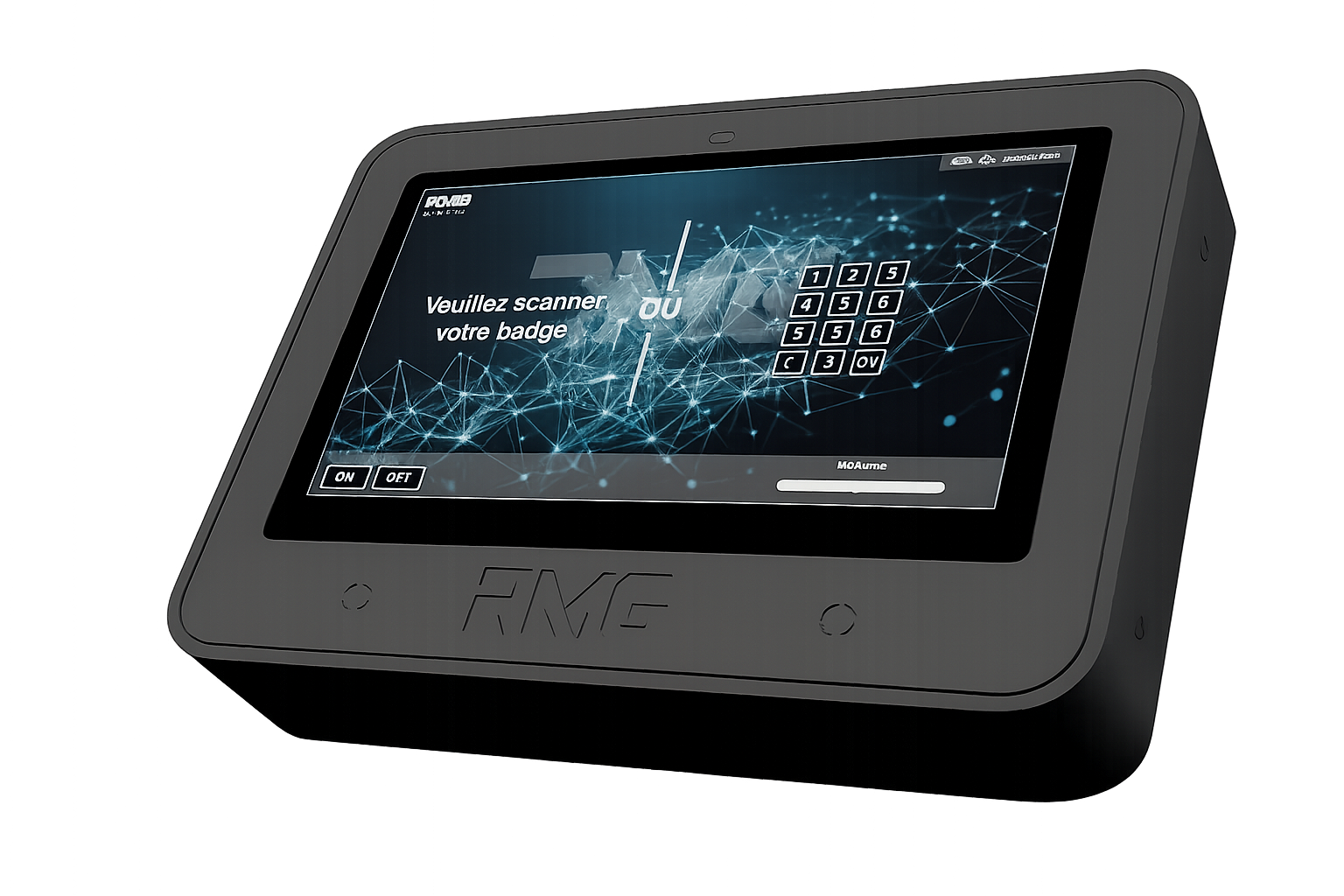
All-in-one control terminal
The Touch C12 VESA combines a 12-inch Full HD IPS touchscreen and the control processor in a single device. Designed for professional installations, it delivers a clear interface, flexible integration and reinforced construction.
Drag to rotate · Scroll to zoom